Less noise, fewer mistakes
Each team sees the fields, buttons, tabs and menus it uses, nothing more.
Odoo app · Community & Enterprise
Show each team only what it needs: hide fields, lock prices, remove buttons, tabs and menus, ban creation, deletion or export, per group or per user, without code.
€59 excl. VAT, one-timeOdoo 18 · 19 · 20
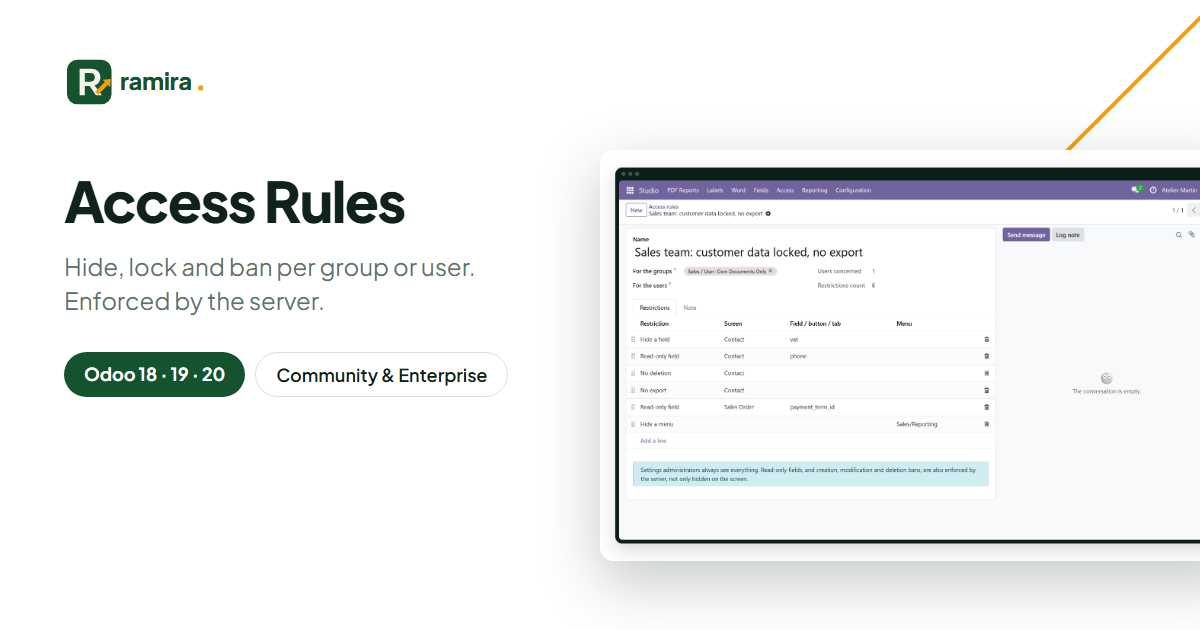
For whom: Odoo administrators who want simpler screens and protected data, without development.
Each team sees the fields, buttons, tabs and menus it uses, nothing more.
Read-only fields and bans are checked by the server, not only hidden on screen.
They always see everything: nobody locks himself out.
Real screenshots of the app, taken on an Odoo demo database.
Choose the groups and users, then list what to hide or lock on each screen.
The same contact form for a salesman: the VAT is hidden, the phone is read-only.
Rules, users concerned and restrictions; Excel export and analysis.
No. Community and Enterprise.
This one sets restrictions per group, in the Studio range. The other adds job profiles, a preview, undo and an optional AI assistant.
On the official apps.odoo.com store, for Odoo 18, 19 and 20, Community and Enterprise, on Odoo.sh or on your own server. Odoo Online does not accept third-party apps. E-mail support included.
Describe it in a few lines: reply within 2 business days, with a first estimate.
Ramira measures its audience with Google Analytics, only if you accept. You can change your mind with the “Manage cookies” link at the bottom of the page. Learn more