The information where you need it
Placed right after the field you choose, in your team’s form.
Odoo app · Community & Enterprise
Add your own fields to contacts, products, orders or any other screen: in the form, the list and the search, translated, without code.
€39 excl. VAT, one-timeOdoo 18 · 19 · 20
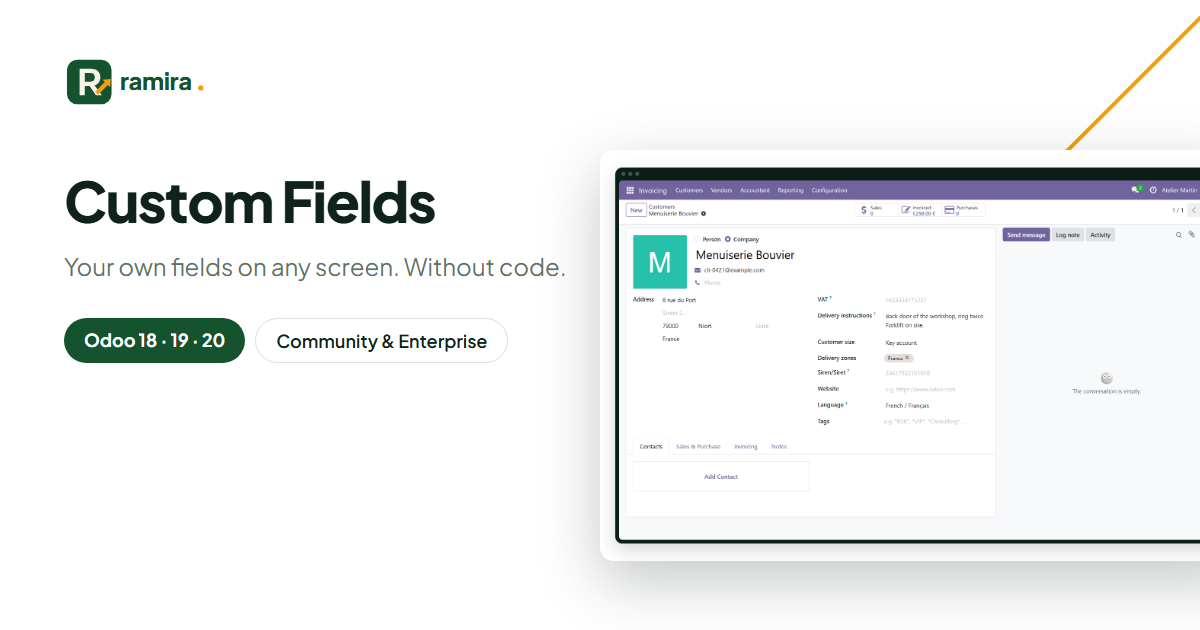
For whom: Teams who need information Odoo does not plan for: delivery instruction, warranty date, project type…
Placed right after the field you choose, in your team’s form.
Text, number, date, checkbox, choice list, link to another record, tags.
Each field can be a list column, a search criterion and a group by.
Real screenshots of the app, taken on an Odoo demo database.
Choose the screen, the type and the place; save: the field is created with its views.
The new fields appear in the contact form, next to the fields you chose.
List, filters, number of records filled; Excel export and PDF sheet.
Yes: they are standard Odoo custom fields, with their own views.
They are kept: the field is only hidden.
On the official apps.odoo.com store, for Odoo 18, 19 and 20, Community and Enterprise, on Odoo.sh or on your own server. Odoo Online does not accept third-party apps. E-mail support included.
Describe it in a few lines: reply within 2 business days, with a first estimate.
Ramira measures its audience with Google Analytics, only if you accept. You can change your mind with the “Manage cookies” link at the bottom of the page. Learn more