Any label, any record
Products, contacts, lots, stock moves, equipment: pick the fields and place them to the millimetre.
Odoo app · Community & Enterprise
Design product, barcode, address and shelf labels without code. Print them on A4 sheets or rolls in PDF, or in ZPL for your Zebra printer.
€59 excl. VAT, one-timeOdoo 18 · 19 · 20
For whom: Shops, warehouses and workshops that label products, lots or parcels from Odoo.
Products, contacts, lots, stock moves, equipment: pick the fields and place them to the millimetre.
The preview shows the label with a real record at every change. No wasted sheets.
A4 sheets of any grid, thermal rolls and ZPL files at 203 or 300 dpi.
Real screenshots of the app, taken on an Odoo demo database.
Fields, texts, barcodes, QR codes, images, lines and frames, redrawn at every change.
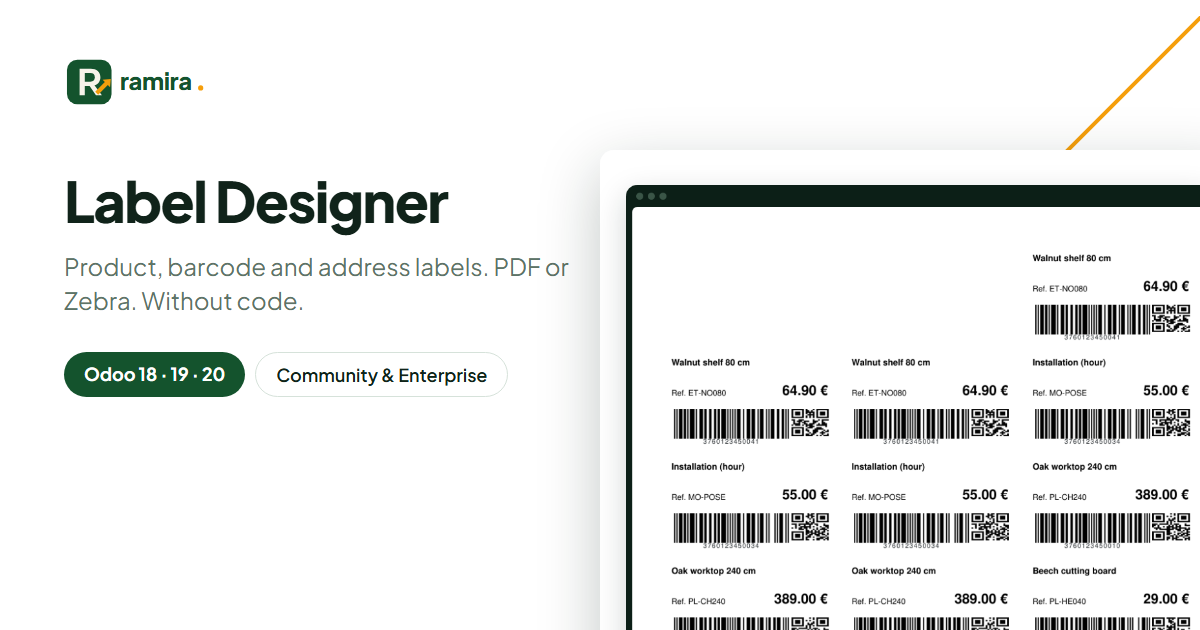
An A4 3 x 7 sheet printed from the product list: name, price, reference, EAN-13 and QR code.
Choose the template, the quantity and the positions already used on the sheet.
Texts, barcodes, QR codes, lines, frames and images converted to ZPL.
No. Community and Enterprise, without Odoo Studio.
No: barcodes and PDFs come from Odoo itself.
On the official apps.odoo.com store, for Odoo 18, 19 and 20, Community and Enterprise, on Odoo.sh or on your own server. Odoo Online does not accept third-party apps. E-mail support included.
Describe it in a few lines: reply within 2 business days, with a first estimate.
Ramira measures its audience with Google Analytics, only if you accept. You can change your mind with the “Manage cookies” link at the bottom of the page. Learn more