Any button, any app
Confirm a quotation, post a bill, validate a transfer, approve a leave: choose the button.
Odoo app · Community & Enterprise
Ask for an approval before any button, on any record, without code: big quotations, vendor bills, discounts, purchases. Step by step, by person or by group.
€49 excl. VAT, one-timeOdoo 18 · 19 · 20
For whom: Owners and managers who want to keep control of important decisions without slowing the team.
Confirm a quotation, post a bill, validate a transfer, approve a leave: choose the button.
A condition decides: quotations over €5,000, discounts over 10 %, new suppliers.
Once approved, the button runs for the person who asked.
Before writing the app, we studied the competing apps on the Odoo store: their features, their prices and their customers’ reviews. Here is what sets it apart.
Elsewhere you buy one module per app (sales, purchases, invoices). Here, any button of any record.
Once approved, the planned action runs, without coming back to click.
Amount, customer, product… with Odoo’s condition editor, and rules moved from one database to another.
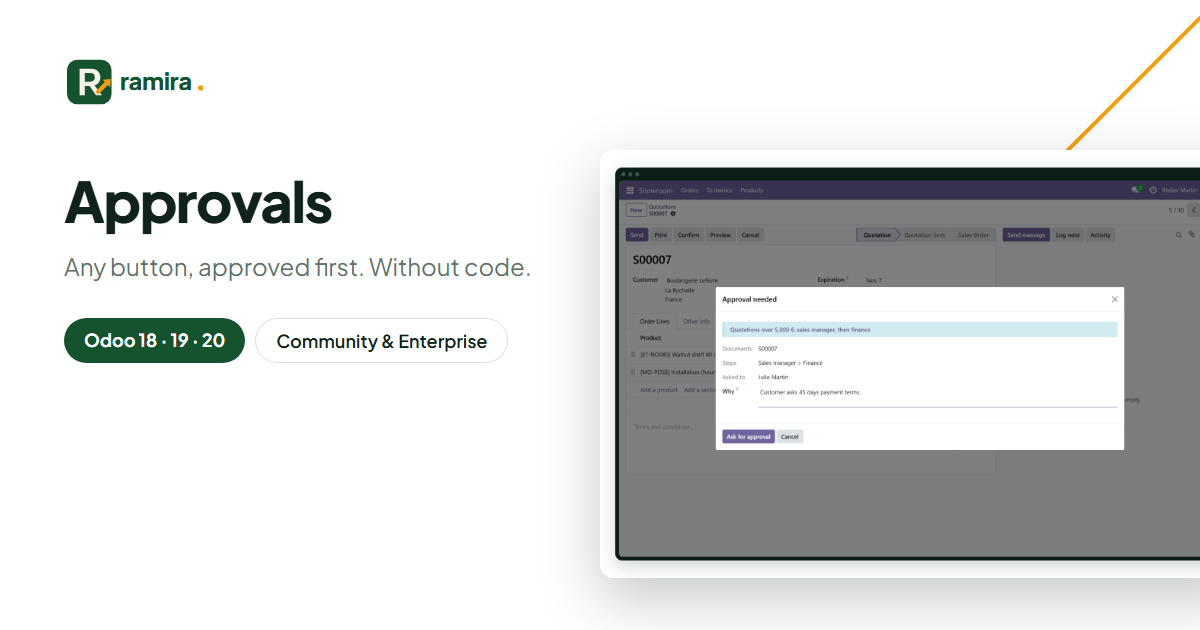
Real screenshots of the app, taken on an Odoo demo database.
Confirm opens the request: steps, approvers and a word for them.
Records, button, condition, steps. The buttons of the form are listed for you.
Waiting, approved, done, refused: who asked, who decided, when.
Yes: the check runs on the server, from the form, a list action or another app.
On the official apps.odoo.com store, for Odoo 18, 19 and 20, Community and Enterprise, on Odoo.sh or on your own server. Odoo Online does not accept third-party apps. E-mail support included.
Describe it in a few lines: reply within 2 business days, with a first estimate.
Ramira measures its audience with Google Analytics, only if you accept. You can change your mind with the “Manage cookies” link at the bottom of the page. Learn more