Menus in your team’s words
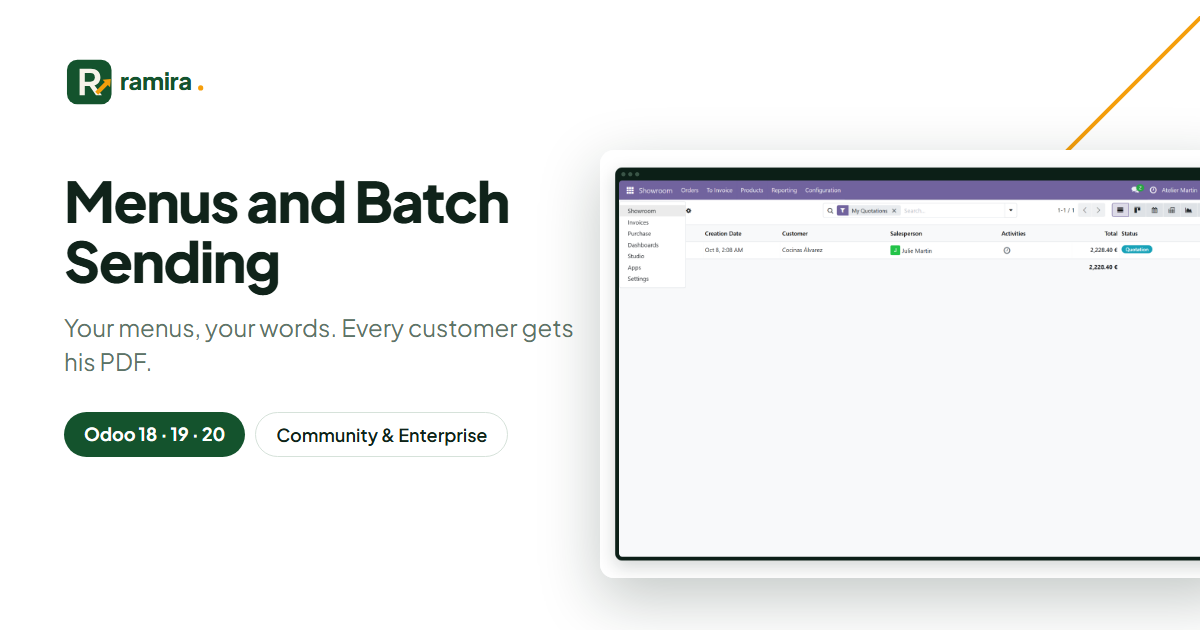
Rename "Sales" to "Showroom", put the apps you use first, hide the others.
Odoo app · Community & Enterprise
Rename, move or hide any menu without touching Odoo, add one-click shortcuts to your filtered lists, and send each record its PDF by e-mail in one go.
€24 excl. VAT, one-timeOdoo 18 · 19 · 20
For whom: Teams who want an Odoo in their own words and send many invoices or quotations.
Rename "Sales" to "Showroom", put the apps you use first, hide the others.
An "Overdue invoices" menu opens the list with its filter.
Select 50 invoices: each customer receives his own by e-mail, with a text in his language.
Real screenshots of the app, taken on an Odoo demo database.
One line per menu: new translated name, new position, hidden for everybody.
Choose the records, the PDF and who receives it; write the subject and the text with values.
Every batch is logged: records, e-mails sent, records without an address.
No: Odoo’s menus are not modified, the changes are applied on top.
On the official apps.odoo.com store, for Odoo 18, 19 and 20, Community and Enterprise, on Odoo.sh or on your own server. Odoo Online does not accept third-party apps. E-mail support included.
Describe it in a few lines: reply within 2 business days, with a first estimate.
Ramira measures its audience with Google Analytics, only if you accept. You can change your mind with the “Manage cookies” link at the bottom of the page. Learn more